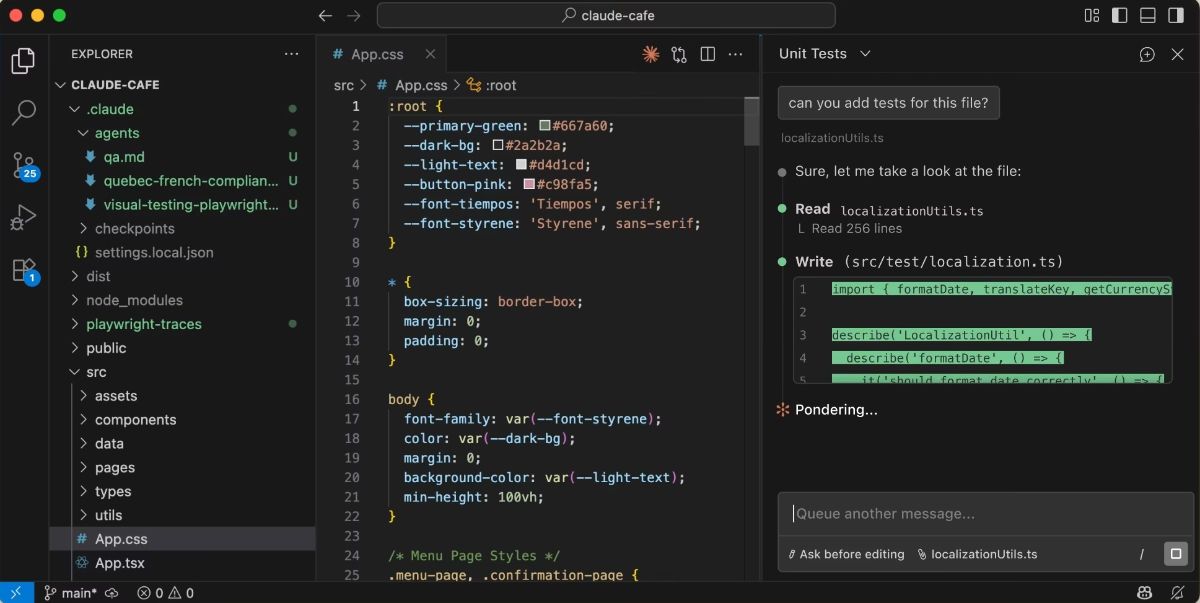
Did you know you can integrate Claude Code with your IDE? Why would you do that? Most importantly, it makes diffs of proposed AI changes much easier to view. Instead of seeing a very small summary of it, you can see all the changes. It's much more readable and it's easier to understand all the changes taking effect. Here's a demo of that.
Transcript from video:
I recently discovered an important feature in Cloud Code. That is IDE integration with Cloud Code. It makes it a lot easier to see changes that Cloud is proposing in the IDE, like Visual Studio Code, than it does in the command line. So we're going to put together a real quick sample. Now, this is just using a sample readme from a new app I've developed called stacko.com. So let's Let's take a look at that right now. I'm going to run a command, and it's going to say, in my agreed-me demo file, I would like all instances of Cloudflare to be all lowercase.All right, so I'm going to press the Enter here. Okay, so you can see here that it's suggesting that it's going to remove the line that says Cloudflare with a capital C and add it with a capital or lowercase C. Well, I'm sure that in that file, that's not the only instance of Cloudflare that I have in there. And this is a contrived example. In a real-world example, you might see more of the diff that would occur. But it's still not particularly easy to use. If you've got a very complex code file and you're adding functions or changing variable names or something, this little bit of a diff is kind of useless. So let's see the alternative. First, I'm going to tell it not to make these changes. And now I'm going to enable IDE integration. So I do a slash command IDE and press enter.
So it's offering to let me connect to an IDE, and I'm going to choose Visual Studio Code. And now I'm going to just clear things here so we can get a picture of what's going on. So now I'm going to run that same command. I'm going to tell it in the demo file to replace all those instances, and I'm going to press enter. I'm just going to think for a little bit. Okay, so notice here it says, open the changes in Visual Studio Code. So let's go look at Visual Studio Code. You can see now that we have a real, easily viewable diff. You see every instance of it. I can scroll through all the changes. And again, this is just a contrived example. So you're not going to see anything really relevant here but you can tell that this is much easier to consume and make sure that the AI is not doing something that it shouldn't be doing or didn't change something in a way that you're not comfortable with doing it in your IDE than it is within the CLI. So again, make sure that you undo that change But again, you enable this by using the IDE function and choosing whatever IDE you want.